
01
CEO Dashboard
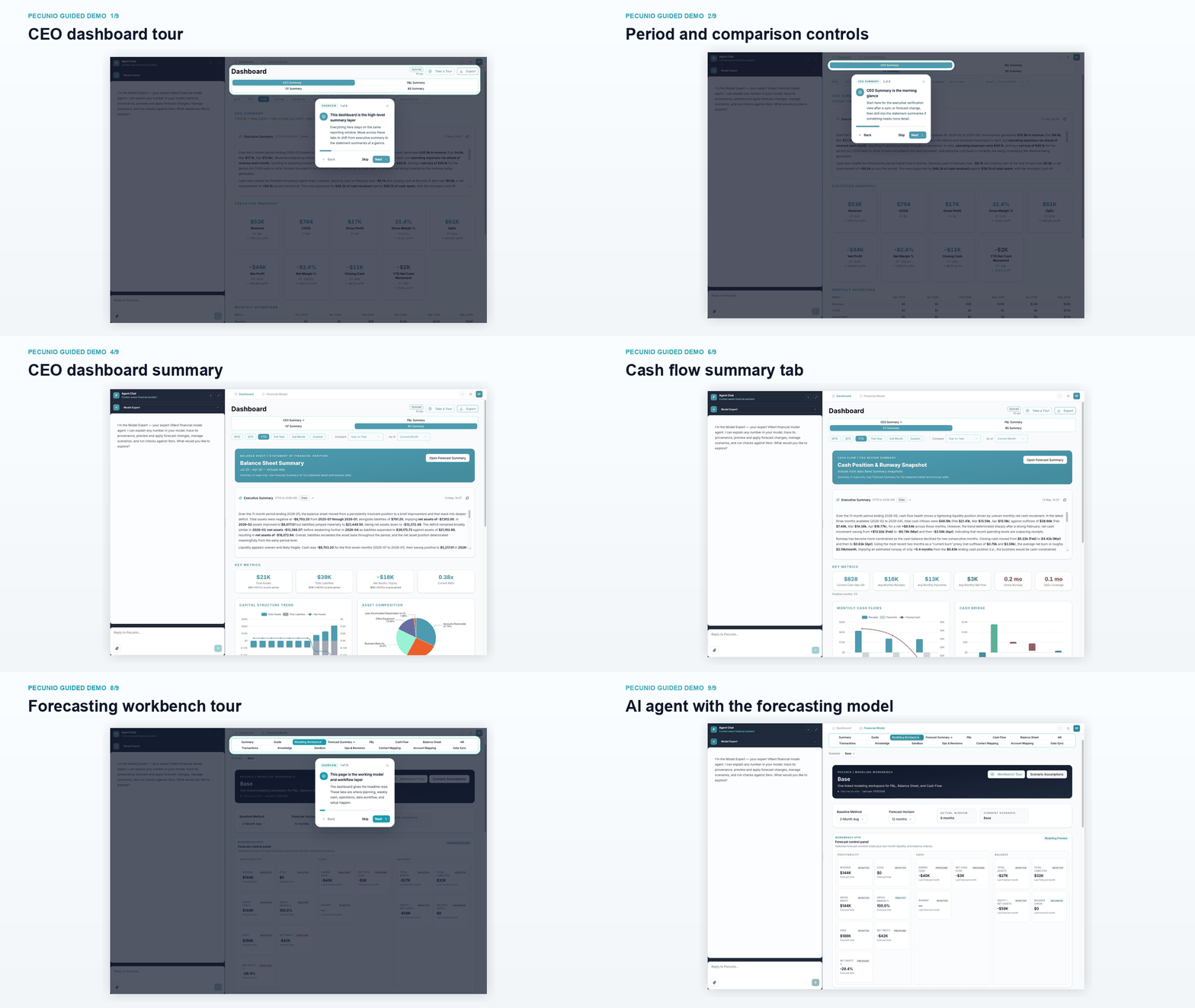
Executive summary tabs for P&L, cash flow, balance sheet, and forecast signals from the connected company file.
Xero-connected finance intelligence
Pecunio connects to Xero and turns live actuals into CEO-ready dashboards, forecast workbenches, and finance agents that explain the numbers.
Built into the product now
Executive dashboards, forecasting controls, Xero sync, and AI agents in one workspace.
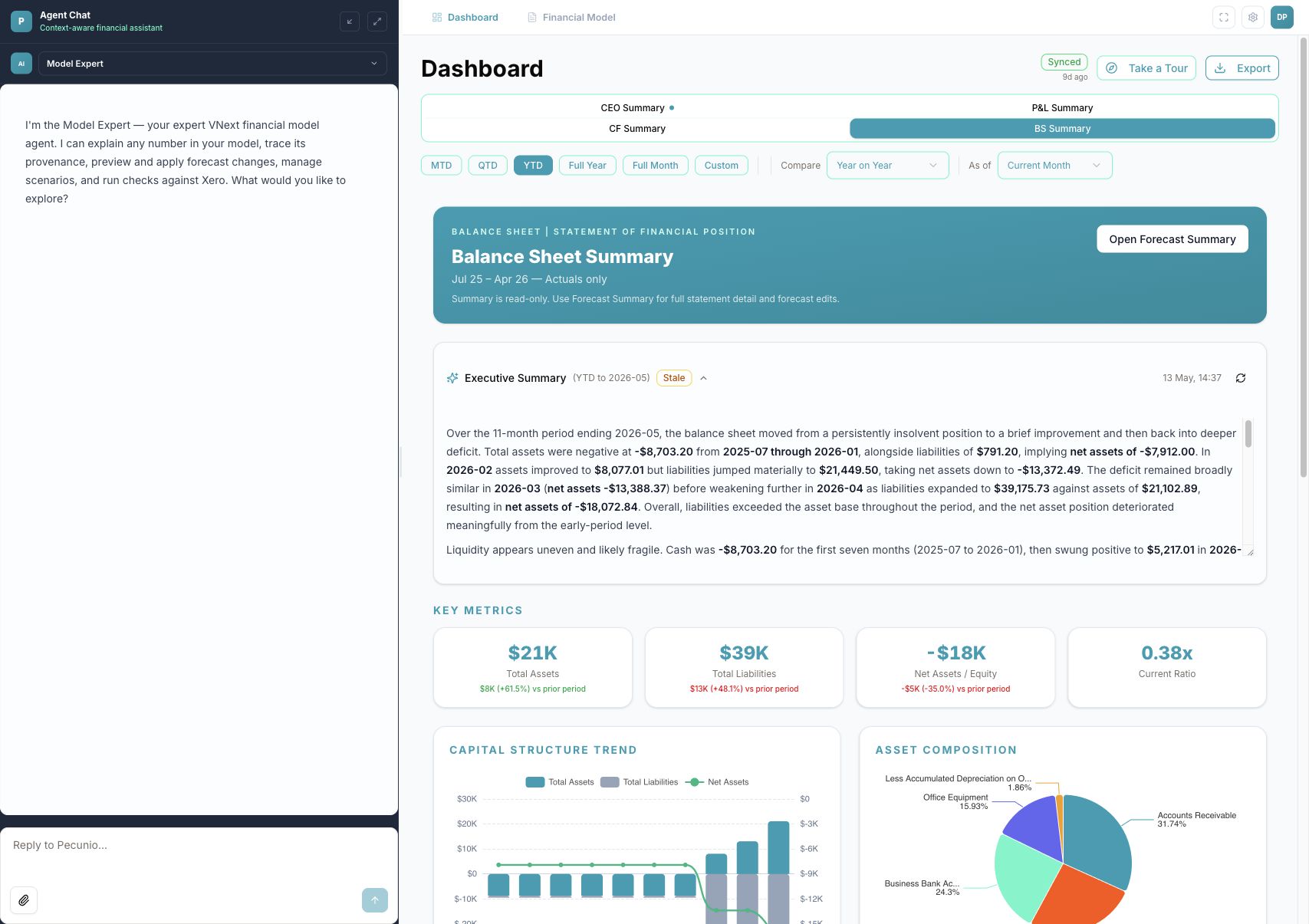
Executive summary tabs for P&L, cash flow, balance sheet, and forecast signals from the connected company file.
Model scenarios across revenue, expenses, cash runway, working capital, and balance sheet movement.
Ask questions, inspect assumptions, explain variances, and preview changes before applying them.
Connect real accounting data, track sync status, and use actuals as the base layer for forecasts.
Use governed scenario selectors, time horizons, and editable assumptions without touching live records.
Surface checks, source context, and model logic so teams can trust the forecast, not just view it.
Product tour
Walk through the CEO dashboard, forecasting workbench, and AI agent tools using live Xero demo data connected to the app.
CEO dashboard
The CEO dashboard brings forecast signals, financial summaries, and tabbed views into a fast executive review surface.
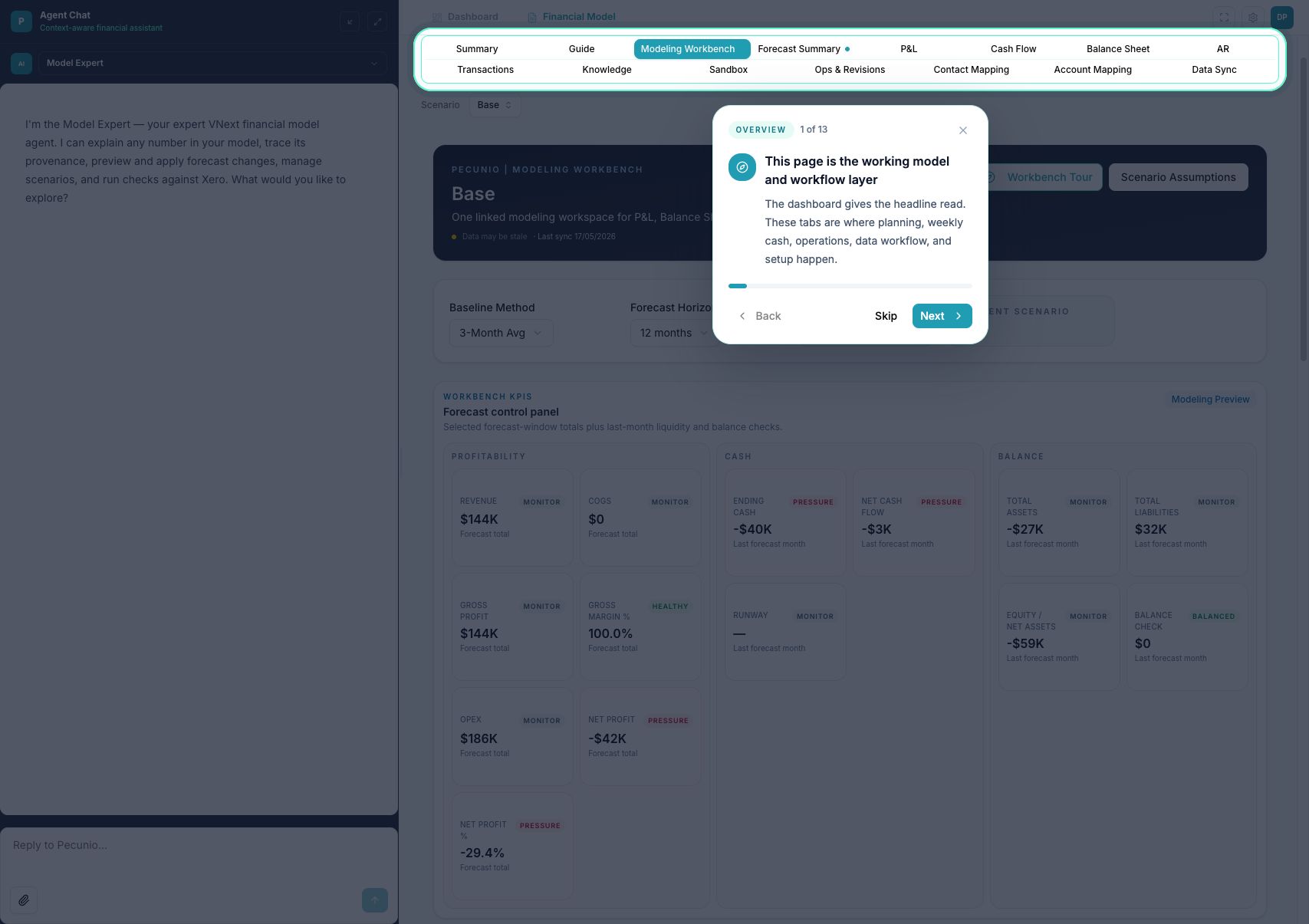
Forecasting workbench
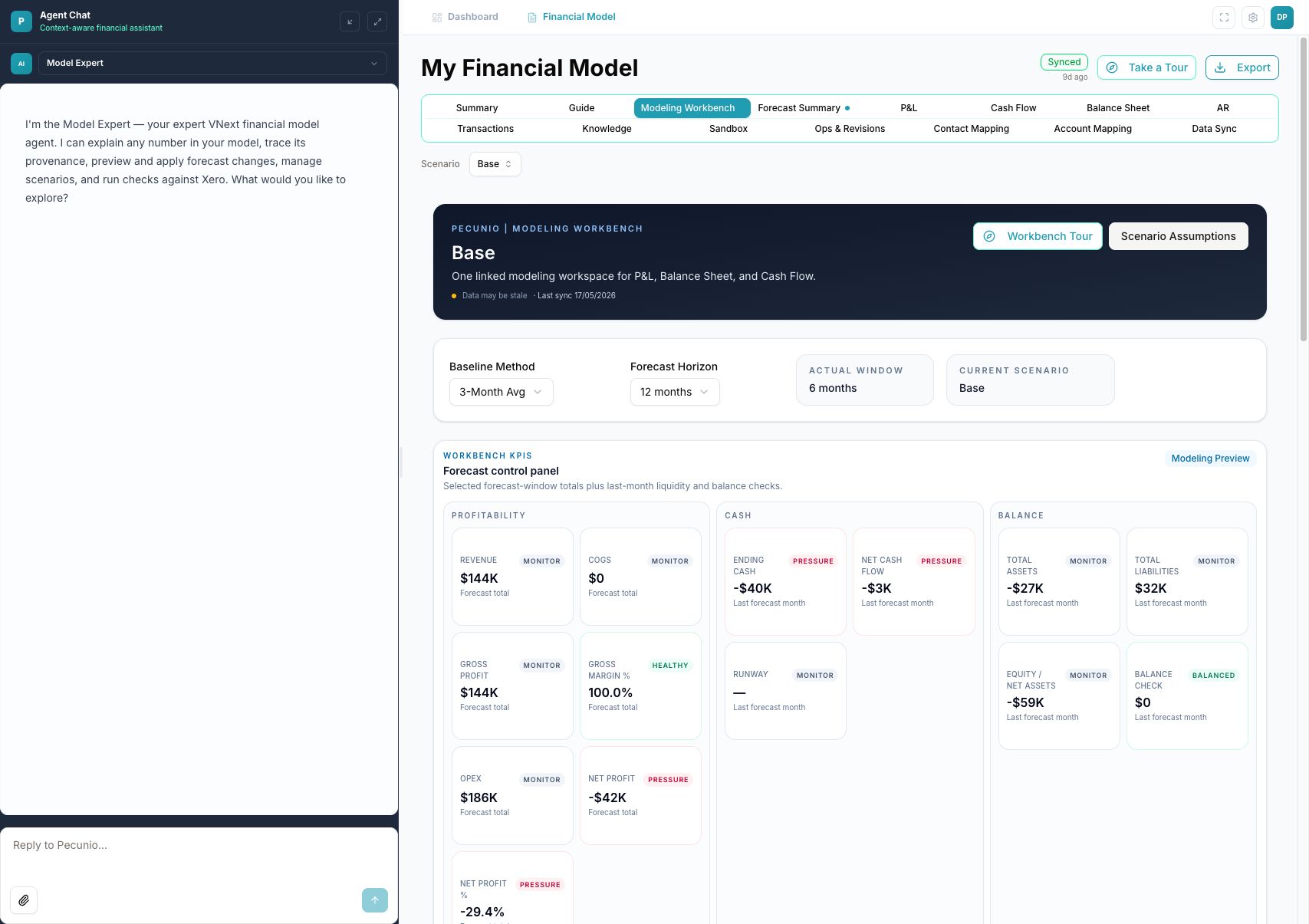
The workbench gives operators a structured place to model forecast changes while keeping actuals, assumptions, and checks visible.
Revenue, expense, cash flow, and balance sheet logic live together so teams can see where forecast changes flow.
AI agents
Ask Pecunio to explain the numbers, model a scenario, or pressure-test a decision. The AI can move fast, but every forecast stays tied to source data, assumptions, and reviewable changes.
Cash visibility
Cash flow summaries help teams see operating inflows, outflows, runway, and forecast movement from one place.
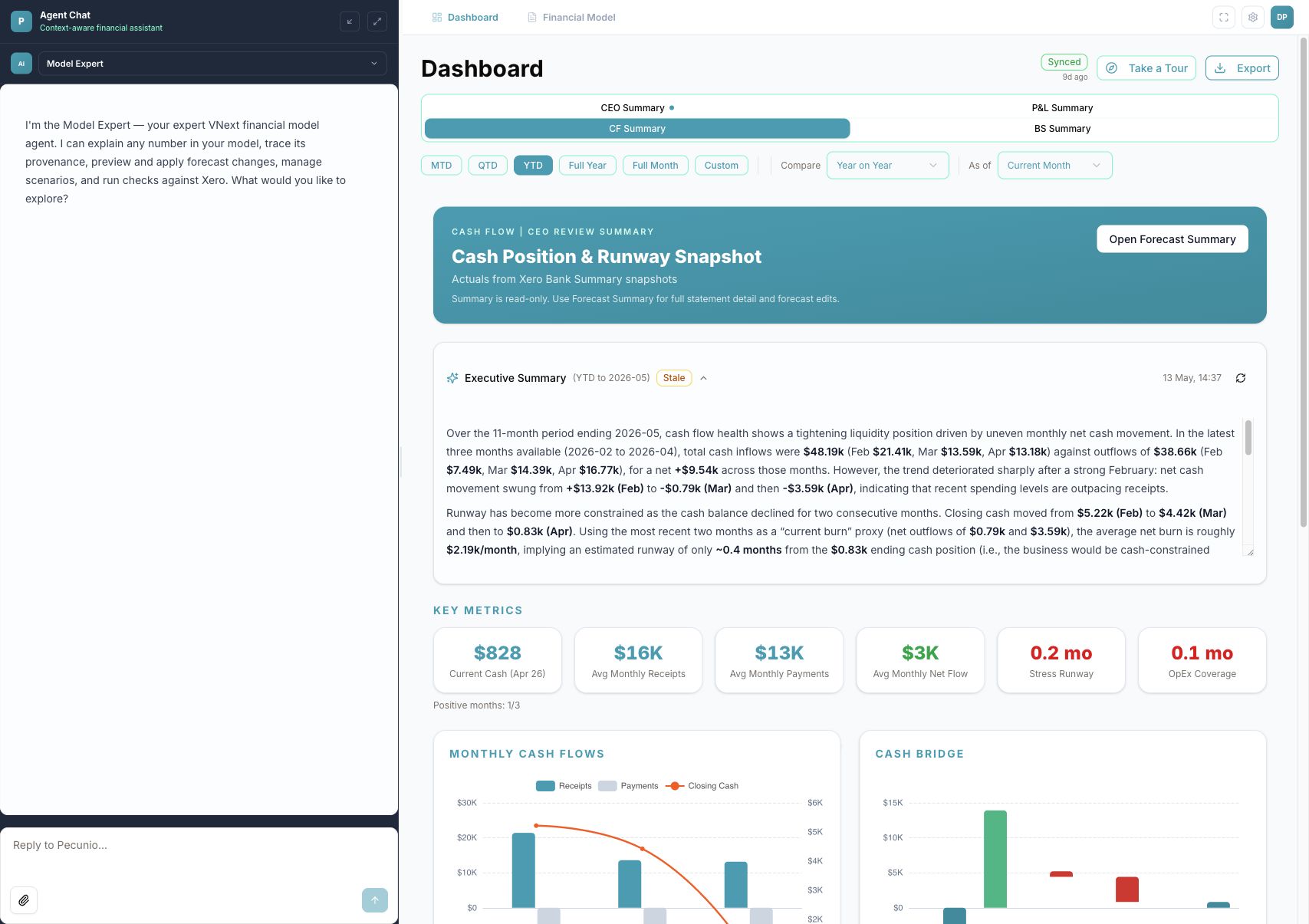
Connect Xero, open the CEO dashboard, and start forecasting with AI agents beside the numbers.
Stay ahead with expert perspectives on finance automation, AI tools, and strategies to help your business scale. From product updates to industry trends, our blog delivers the latest thinking from the team behind Pecunio.